Windows Defender vs. The Best: Which Antivirus Truly Protects Your PC in 2026?
It’s a common question many Windows users ask: “Is the built-in Microsoft Defender good enough, or should I pay for a third-party antivirus?” In 2026, the answer isn’t a simple yes or no. Microsoft has dramatically improved its security, but independent labs consistently show that the best premium antivirus software offers more layers of protection. According to the latest AV-Comparatives Consumer Malware Protection Test (March 2026), which evaluated 20 leading security solutions against 10,000 recent malware samples, both Microsoft Defender and top-tier alternatives like Bitdefender Total Security, Norton AntiVirus Plus, and Kaspersky Premium earned the highest “Advanced+” rating.
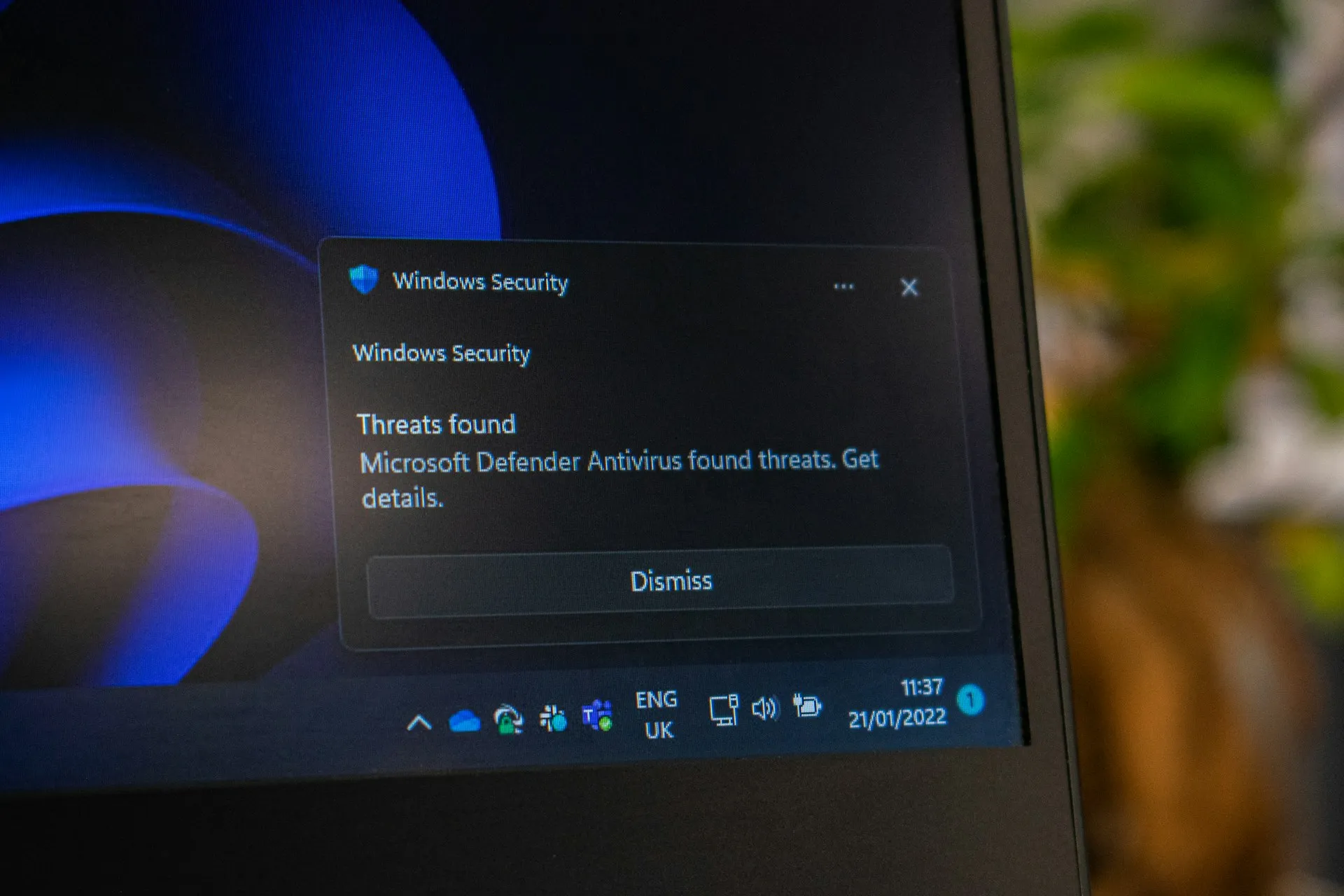
However, this doesn’t mean all protection is equal. While Microsoft Defender has evolved into a serious baseline-leveraging real-time protection, cloud-based threat detection, ransomware protection (including Controlled Folder Access), SmartScreen filtering, and a firewall-independent testing reveals that it’s still not up to the best competitors, even the best free ones. The real question isn’t about basic safety; it’s about how much extra security, privacy, and convenience you need.
Below, we break down the top antivirus picks for 2026, comparing their prices, features, and, crucially, their strengths and weaknesses.
Microsoft Defender: The Free, Built-In Guardian
Let’s start with the baseline. Microsoft Defender is completely free and seamlessly integrated into Windows 11. For many casual users who mostly browse, stream, and shop online, it provides a credible first line of defense. A recent user poll showed that a comfortable 60.5% of respondents voted for Windows Defender as their antivirus of choice.
Microsoft Defender at a glance:
- Price: Free with Windows 10 and 11
- Key Features: Real-time malware scanning, firewall integration, ransomware protection (Controlled Folder Access), cloud-based threat detection, and SmartScreen filtering.
- Pros:
- Completely Free: No subscription costs, ever.
- Seamless Integration: Built into Windows, requiring no extra installs or accounts. It automatically goes dormant if you install a third-party AV to prevent conflicts, and revives when it’s uninstalled.
- Strong Baseline: Consistently scores at or near the top in independent lab tests for raw malware detection.
- Cons:
- Lacks Advanced Features: No VPN, password manager, parental controls, identity theft protection, or dark web monitoring.
- Slower Benchmark Performance: Performance benchmarks show that Defender has a lower impact on system performance than many third-party suites, but this comes at the cost of missing these extra layers of security.
- Not for Power Users: If you handle sensitive data, manage family devices, or want comprehensive privacy tools, Defender alone won’t meet your needs.
Bitdefender: Best All-Round Value
Bitdefender is an Editors’ Choice pick for PC Mag and tied for CNET’s best overall antivirus in 2026. Its consistent, top-tier malware detection and a user-friendly experience make it the go-to for most people.
Bitdefender Total Security – Individual (Best Value Entry-Level)
- Price: Starts at 59.99$/year for 1 account and 5 devices.
- Key Features: Antivirus, standard scam protection, VPN (200 MB/day limit), data breach protection.
- Pros:
- Excellent Detection: Bitdefender has one of the best malware detection engines, performing admirably in my 2026 tests and consistently topping independent lab results.
- Low System Impact: It’s lightweight, with scans using minimal CPU power and not slowing down your PC.
- Great Value: The entry-level Individual plan is affordable and packed with core protections.
- Cons:
- VPN Data Cap: The included VPN limits you to a paltry 200 MB per day unless you upgrade.
- Device Limit: Individual plans cap at 5 devices, which might not be enough for some households.
- Support Hurdles: Live chat is AI-first, making it tricky to reach a human.
Bitdefender Total Security – Family (Best for Families)
- Price: Starts at $79.99/year for 5 accounts and 25 devices.
- Key Features: Everything in Individual, plus parental controls.
- Pros:
- Parental controls: Internet time limits prevent digital addiction, content filtering blocks harmful material, schedules build healthy routines, location tracking ensures safety, rewards motivate good behavior, and activity reports provide clear insights into your child’s online life.
- Comprehensive: Covers the needs of a modern family with multiple devices.
- Cons:
- Renewal Price Spike: Like most, the cost jumps significantly after the first year.
Norton 360: Best for Feature Power-Users
Norton 360 isn’t just an antivirus; it’s a comprehensive digital security service. It often tops the list of feature-rich suites and is a top pick for those who want maximum protection and are willing to pay a premium. SafetyDetectives ranks it as the #1 best antivirus for 2026.
Norton 360 Deluxe (Best Feature Plan)
- Price: Starts at $49.99/year for 5 devices.
- Key Features: Powerful anti-malware engine, firewall, VPN, password manager, parental controls, 50 GB cloud backup, dark web monitoring, webcam protection, and AI-powered scam protection (which helps guard against sophisticated scams while shopping, banking, or streaming).
- Pros:
- Unmatched Feature Set: It includes nearly every cybersecurity tool you could need, from identity theft protection (US only) to cloud backup.
- Excellent Protection: Norton’s anti-malware engine uses machine learning and detected every malware file in tests without slowing down the system.
- Value-Add Extras: The AI-powered scam detection is a modern, vital feature for protecting less tech-savvy family members.
- Cons:
- Higher Cost: It’s more expensive than most competitors, especially on renewal.
- Mobile Split: Mobile protections are spread across multiple apps, which can be clunky.
Avast: The Best Free, Third-Party Antivirus in 2026
If you want a step up from Windows Defender but can’t spend a dime, Avast Free Antivirus is the gold standard. It’s a perfect example of a free product that doesn’t compromise on your PC’s core security.
Avast at a glance:
- Price: Free, or paid plans from $49.99/year (first year).
- Key Features: Real-time malware protection, web shield, ransomware protection, WiFi Inspector (scans your home network for vulnerabilities), and a silent mode that suppresses pop-ups (like when gaming).
- Pros:
- Top-Tier, 100% Free Protection: It’s not a limited trial; Avast Free provides excellent, permanent protection, consistently scoring 6.0/6.0 in AV-TEST’s evaluations (Jan-Feb 2026) for protection, performance, and usability, matching or beating many paid rivals. This earned it the “TOP PRODUCT” award alongside names like Bitdefender and Norton.
- Loaded with Extras: Unlike some barebones free AVs, Avast packs in a surprising amount of bonus tools. As one review notes, it includes a WiFi Inspector to test your home network for weak spots and a Ransomware Shield to protect key folders, effectively extending the protection you get.
- User-Friendly: The interface is clean, simple to navigate, and you can get a 60-day free trial of Premium Security to test the full power of the suite without even entering a credit card.
- Cons:
- Nagging Upsells & Bundles: The biggest drawback is the software itself. User reviews in 2026 consistently point to an “ever increasing pop-ups nagging you to upgrade” and a tendency to try and install extra software, like a new browser, during setup.
- No Firewall or VPN in Free Version: To get a dedicated firewall or a VPN, you’ll need to upgrade to the paid Ultimate version.
- Privacy Concerns: Like any free software, Avast collects user data, though it states this is anonymized. It’s something to be aware of if you’re privacy-conscious.
Should You Upgrade to Avast Premium or Ultimate?
The paid Avast Premium Security plan adds advanced features like sensitive data protection, blocking fake and unsafe websites, preventing PC remote access attacks, and next-gen scam detection. Avast Ultimate adds a secure VPN and a few additional features. It’s a solid, budget-friendly choice for a single PC and mobile device, with a first-year rate that’s very competitive. However, to get the best price, you’ll often need to buy a multi-license pack, which can feel unnecessary if you’re the sole user.
TotalAV: The Best Budget-Friendly, All-In-One Suite
TotalAV has rapidly matured from a basic malware cleaner into a consumer-friendly, “all-in-one” digital protection suite that’s perfect for non-technical users who want a straightforward, set-and-forget experience.
TotalAV at a glance:
- Price: Starts at just $99/year (renews at a higher rate) for Premium, protecting 3 devices. An Internet Security plan covering up to 6 devices is also available, starting at $129/year. If you need a VPN, the Total Security plan is suitable for you — it covers up to 8 devices and starts at $149/year.
- Key Features: Real-time antivirus, anti-phishing web shield (blocks dangerous websites), unlimited VPN, system cleanup & optimization tools, and a password manager.
- Pros:
- Near-Perfect Malware Detection: It’s effective. TotalAV scored a 99.6% detection rate in recent independent tests, placing it among the top antivirus scanners of 2026.
- Incredibly User-Friendly: The interface is clean, setup is a breeze, and most security functions are automated by default. It’s designed for people who don’t want to tinker with complex settings.
- Cons:
- Aggressive Upsells and Steep Renewal: This is the biggest red flag. Consumer advocacy groups in Europe have issued warnings about TotalAV’s “particularly shameless tricks,” which include advertising prices without full tax and allowing the relatively affordable first-year price to skyrocket upon renewal, sometimes adding more than $100 extra for the following year.
- No Firewall: Lacks its own firewall, relying instead on Windows Defender’s firewall.
- Missing Premium Features: You won’t find parental controls, webcam/microphone protection, or detailed identity theft monitoring, features common in top competitors.
McAfee: Best for Large Families with Unlimited Devices
McAfee is a household name that has made a significant comeback. In 2026, its standout feature is its ability to cover an unlimited number of devices, making it the most cost-effective option for data-hungry families or multi-device households.
McAfee at a glance:
- Price: Essential plan for up to 5 devices starts at $39.99/year. A Premium Individual plan covering unlimited devices is also available, starting at $49.99/year.
- Key Features: Antivirus, firewall, VPN (unlimited with Plus plan), password manager, identity theft protection, AI scam detector, file shredder, and unlimited device coverage on higher-tier plans.
- Pros:
- Unbeatable for Device Coverage: Very few competitors let you protect every phone, tablet, and laptop in your house under a single subscription, including an unlimited VPN on the Essential plan and above.
- Excellent Malware Detection: McAfee’s scanner is top-notch, achieving a 100% detection rate in rigorous independent tests and scoring a perfect 6/6 in AV-TEST for protection.
- Truly Useful AI Features: The AI-powered scam detector is a modern, vital feature that automatically spots risky texts, emails, and deepfake videos, helping protect less tech-savvy family members.
- Cons:
- Heavy System Impact: This is McAfee’s most persistent flaw. A recent review from CNET explicitly calls out the “outrageous resource usage during scans,” noting it can hog significant CPU power and memory, which may slow down your PC.
- Sharp Renewal Price Spike: Like other AV’s, the first-year price is very attractive, but the cost jumps dramatically on renewal.
- Protection Gap: While core protection is excellent, in some real-world tests McAfee’s detection rate was slightly below competitors, blocking 99.7% of threats compared to 100% from Bitdefender and Norton.
Kaspersky: The Banned Contender (Not Available in the U.S.)
Due to a U.S. government ban on sales that began under the Biden administration, Kaspersky antivirus software is currently unavailable for purchase in the U.S.. While it remains a top-tier product in independent lab tests globally and has moved its data processing to Switzerland to build trust, we cannot recommend it for American users simply because it can’t be legally bought.
Final Verdict: Which Should You Choose?
If you’re on a budget, Microsoft Defender provides a strong, zero-cost baseline. But if you want comprehensive privacy and security, investing in a third-party suite is the way to go.
For the best value and performance, choose Bitdefender. For the most comprehensive feature set and identity protection, Norton 360 Deluxe is the premium choice. If you want solid, free protection that’s a step up from Defender, Avast Free is a great option, though be ready to dismiss upgrade pop-ups. If you’re looking for a cheap, user-friendly first step into premium antivirus, TotalAV offers incredible initial value, just be sure to factor in the higher renewal price. And for large families wanting to protect every single device, McAfee’s unlimited device coverage is unbeatable.
No matter your choice, the most important step is to ensure you have some form of active protection enabled. In today’s threat landscape, going without is a risk not worth taking.
Trying to balance productivity with all this security? Read our guide on Digital Detox 2026: Simple Strategies to Reduce Screen Time or see how AI in Banking is changing the way we think about safety and risk.